
white
Oly app
Stay in the driver’s seat with OTP verification
Oly has added a One-Time Password (OTP) as an additional security enhancement to help better protect your my Oly dashboard account.
What’s changing?
If you have a mobile number registered on your account, you’ll now be asked to complete a One-Time Passcode (OTP) verification when you:
- Log in via web or app
- Reset your password
- Reset your PIN during login
After entering your email and password, you’ll receive a one-time code via SMS that you’ll need to enter to continue.
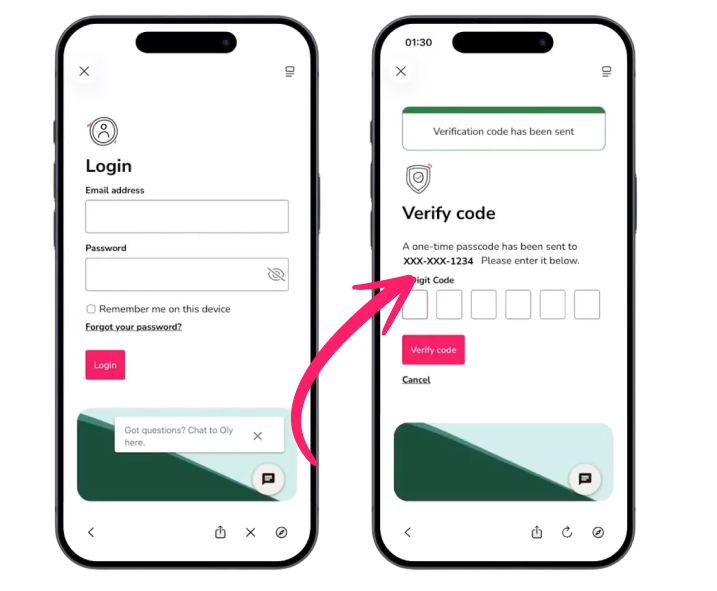
When will I need OTP in the mobile app?
- If you’re already logged in with an active session, or using Biometric ID, you won’t be prompted each time
- You’ll only need to complete OTP when logging in again after a logout, or when prompted to enter your email and password
Our commitment to data security
Oly is committed to protecting customer data and helping ensure you feel confident your account is safe